
For dental clinics · iPhone and iPad
Show patients their new smile before treatment starts.
Take a photo, choose the treatment, and DentAI creates a realistic smile simulation in seconds, ready to show chairside.
- 1 free simulation for new clinics
- Available in 10 languages
- Veneers, whitening, orthodontics, dentures
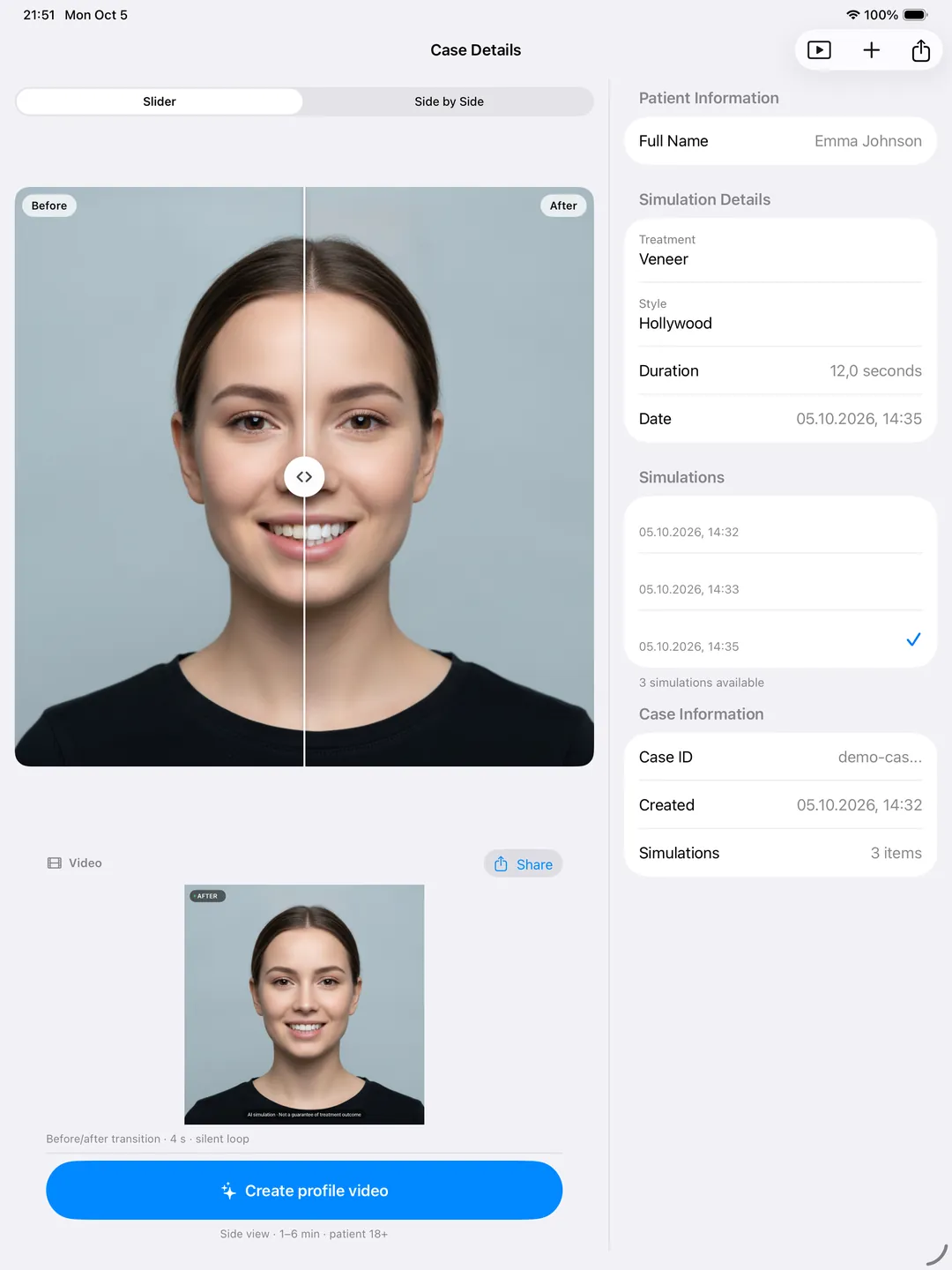
Simulation. Actual results may vary.
How it works
From photo to preview in three steps
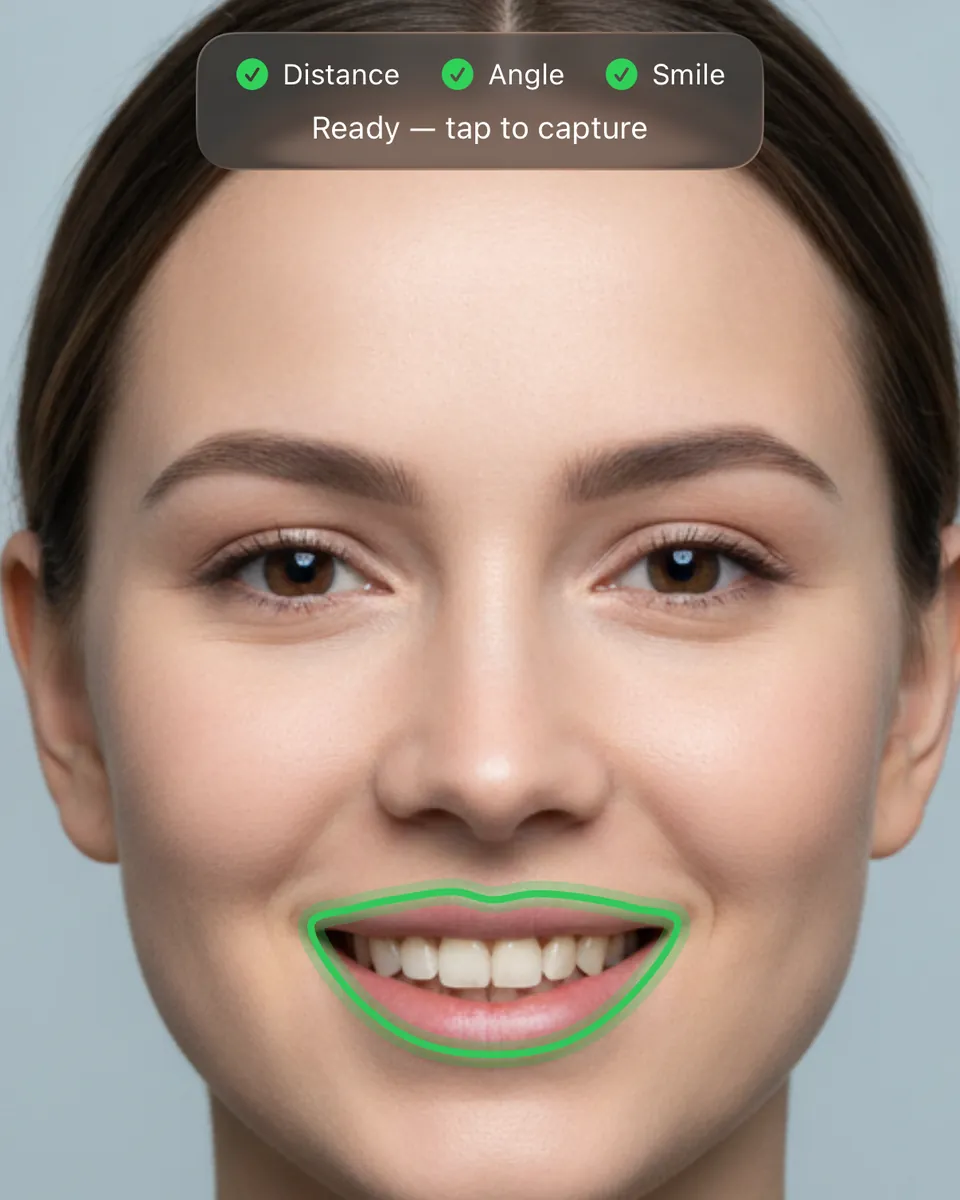
Simulation. Actual results may vary.
01Take the photo
Capture the patient’s smile with the iPhone or iPad camera. The app helps you frame the face.
- 02
Choose the treatment
Pick veneers, whitening, orthodontics or dentures and prosthetics. The AI generates the simulation in seconds.

Simulation. Actual results may vary.
03Show the patient
Present the result full screen, chairside, and compare before and after with the slider.
Features
Everything you need for a clear case presentation
Built for the conversation in the chair: fast to use, easy for patients to understand.
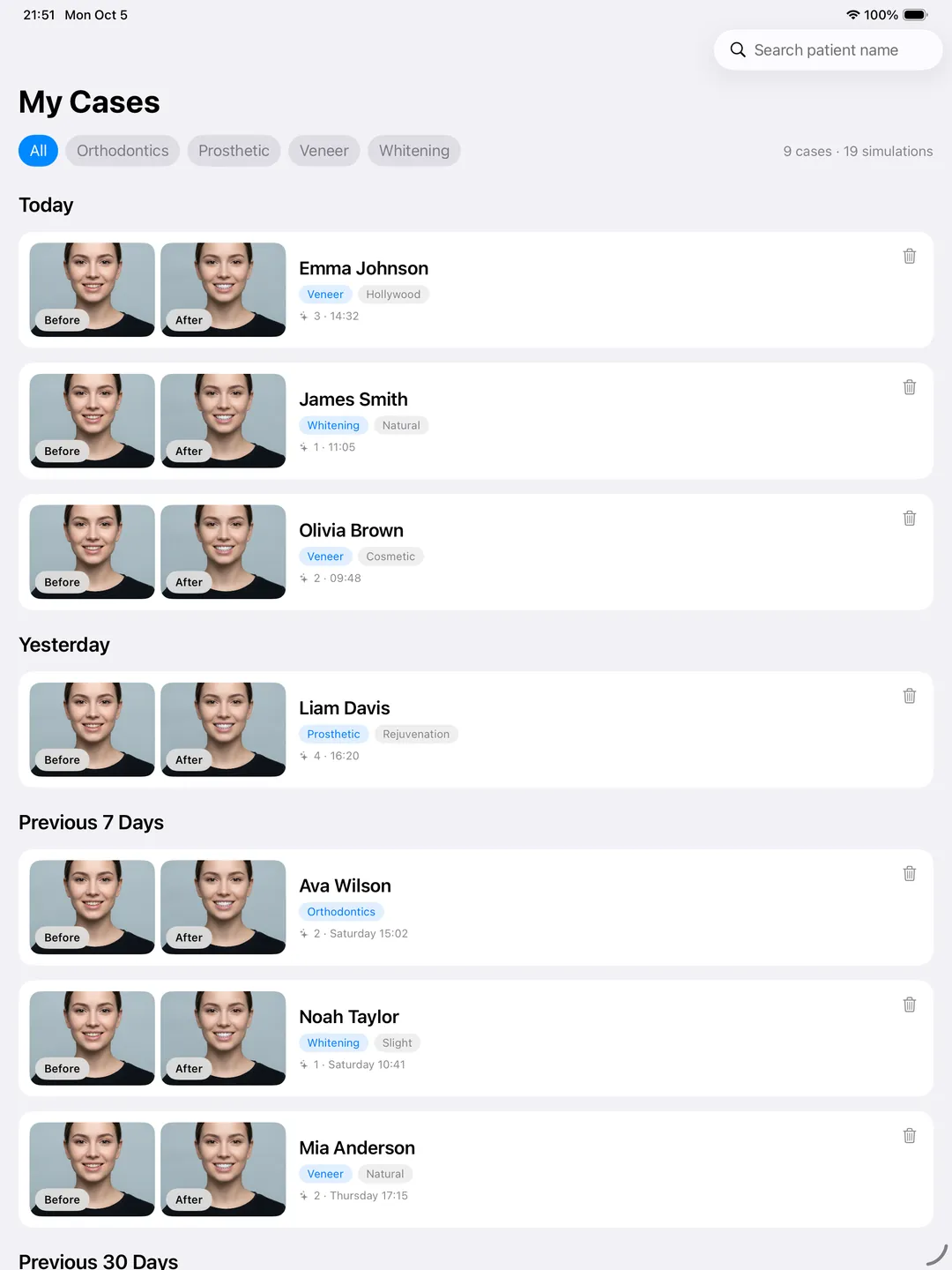
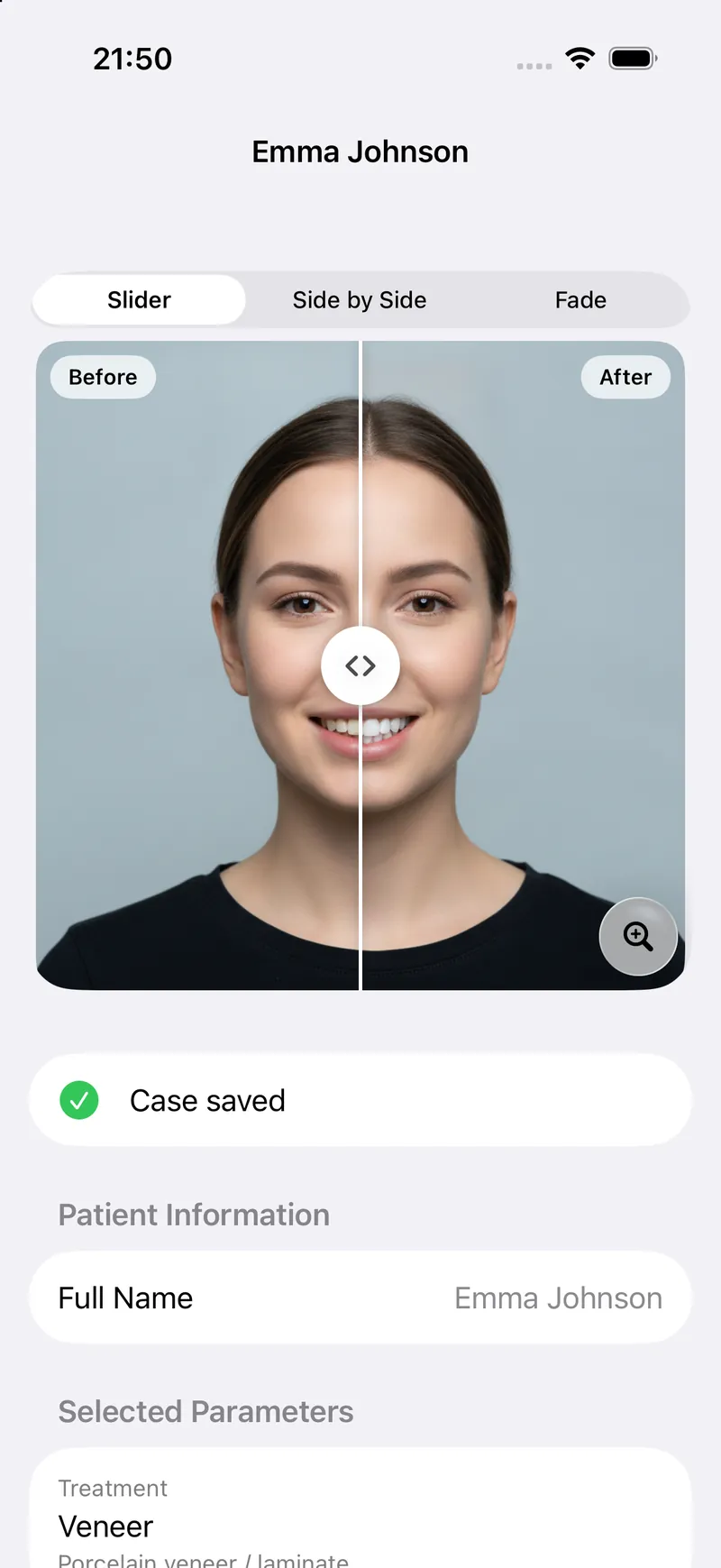
Simulation. Actual results may vary.
Realistic smile simulations
AI-generated previews for veneers, whitening, orthodontics, and dentures and prosthetics.
Full-screen presentation
Show the result chairside on a clean full-screen view, with a before and after slider.
AI side-profile video
Turn an approved simulation into a short side-profile video of the new smile.
Share as PDF or image
Send the patient a PDF report or an image of their simulation to take home.
iPhone and iPad
One app for both devices, so your team can use whichever one is at hand.
10 languages
The app speaks your patients’ language, including English and Turkish.
For clinics
Set up your clinic in minutes, from the app
No sales call needed. Create your clinic account inside DentAI and start with a free simulation.
Start with 1 free simulation
Create your clinic account in the app and try DentAI on a real case before you choose a package.
Roles for your team
Add doctors and assistants with their own logins, so everyone works on the same clinic account.
Monthly packages on the App Store
Choose a monthly package with Apple In-App Purchase. Billing and cancellation are handled in your Apple ID settings.
Privacy
Patient photos are handled with care
Patient photos are health data, and DentAI treats them that way. The app is designed with KVKK and GDPR in mind.
Read the privacy policy- Encrypted in transit over HTTPS / TLS
- Explicit consent screen before any photo is processed
- No face recognition and no biometric templates
- Location metadata removed from photos before upload
How do we get started?
Download DentAI from the App Store, create your clinic account in the app and run your first simulation for free.
Which devices does DentAI run on?
DentAI runs on iPhone and iPad and is available on the App Store.
Which treatments can we simulate?
Veneers, whitening, orthodontics, and dentures and prosthetics.
How does billing work?
Packages are monthly and purchased with Apple In-App Purchase. Payment is charged to your Apple ID, and you can manage or cancel in your Apple ID subscription settings.
Does the simulation guarantee the treatment result?
No. DentAI is not a medical device. Simulations are for visualisation only; the treatment plan and outcome depend on the dentist’s clinical assessment.
How are patient photos protected?
Photos are sent over encrypted connections, only after explicit consent, and are used to generate the simulation. See the privacy policy for the full details.